 HOME
HOMEAccess the Help center
With hundreds of useful article resources at your fingertips, the Help center (which you are currently reading) is organized by the topics most relevant to using your account.
However, to ensure you're accessing the correct version for your permissions, you should always access the Help center directly from your account.
- Log into your account and click on the question mark found in the bottom right-hand corner.
- Some options will pop up, select Help center.
Contact your admin
If you can’t find what you need in the Help center, your next step will be to get guided support from your account admin. To access the admin’s contact details, follow the same steps as above except select Contact admin from the options instead.
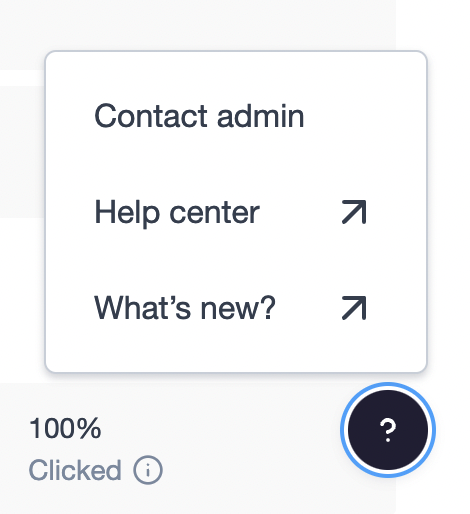
- Log into your account and click on the question mark found in the bottom right-hand corner.
- Some options will pop up, select Contact admin.